
How to solve the problem of frequent black screen on the monitoring screen?
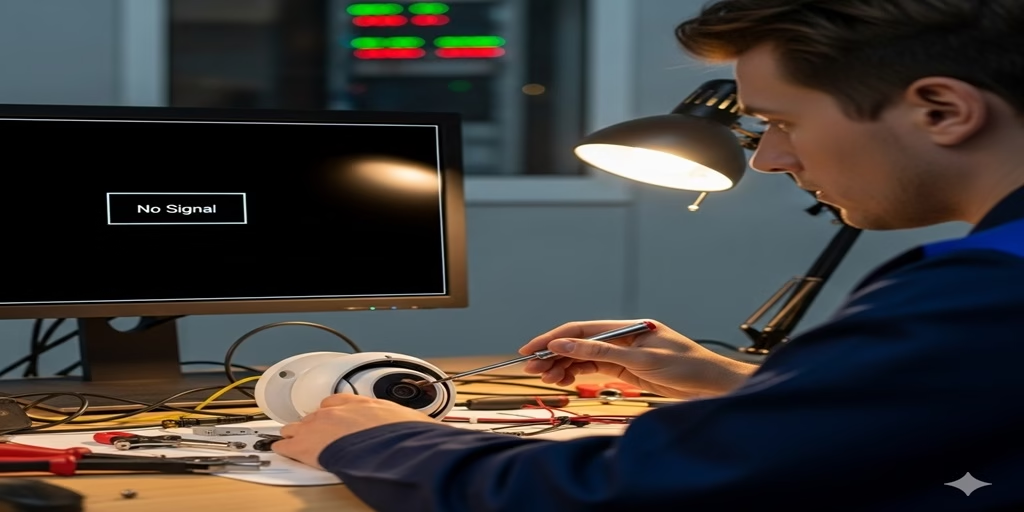
Dealing with frequent black screens on your surveillance feed can be frustrating. To truly solve the problem, you need to systematically troubleshoot the issue. Here are the key steps to help you find and fix the root cause.
1. Check Power and Connections
- Unstable Power: This is one of the most common culprits. If your camera’s power adapter is underpowered or low quality, it can cause the power supply to become unstable during high-demand operation (like when night vision is on), leading to a black screen. Try replacing it with an original or higher-wattage, better-quality power adapter.
- Aging or Loose Connections: Inspect all power, video, and network cables. Cables exposed to the elements for a long time can become aged or damaged, causing signal interruptions. Make sure all connectors are secure and not loose. If possible, use a multimeter to check the continuity of the cables.
2. Check Your Network Connection
- Insufficient Bandwidth: If your network bandwidth is limited and you have multiple high-resolution cameras uploading data at the same time, it can cause network congestion, leading to a choppy or black screen. Consider upgrading your network bandwidth or lowering the resolution and frame rate of some of your cameras.
- Weak Wi-Fi Signal: For wireless cameras, if the signal has to pass through too many walls or is too far from the router, signal degradation can cause an unstable connection. Try moving the router or the camera closer, or use a Wi-Fi signal extender.
- IP Address Conflict: When multiple devices on the network are assigned the same IP address, it can also cause connectivity issues. You can assign a static IP address to the camera in your router settings to prevent this.
3. Check Device Status
- Outdated Firmware or Software: Older versions of camera firmware or the accompanying software may have known bugs or compatibility problems. Visit the manufacturer’s official website to download and install the latest firmware and software updates.
- Hard Drive or Memory Card Issues: If your surveillance system relies on local storage (like a DVR or memory card), a damaged, full, or slow storage device can cause the screen to go black during recording or playback. Check the status of your hard drive or memory card and replace it if there are any issues.
- Overheating: Prolonged use or high-temperature environments can cause a camera’s internal components to overheat, triggering a protection mechanism that automatically shuts it down. Make sure the camera is installed in a well-ventilated area away from direct sunlight.
4. Professional Troubleshooting and Repair
If the methods above don’t fix the problem, the device’s hardware itself may be faulty.
- Contact Technical Support: Get in touch with the technical support team for your camera brand right away. They can provide more specialized diagnostics and solutions based on your specific model and issue.
- Return for Repair: If the device is still under warranty, you may be able to return it for repair or a replacement.
By systematically going through these steps, you should be able to find the underlying cause of your frequent black screens and solve the problem for good.
Discover more from ChenAnIoT
Subscribe to get the latest posts sent to your email.


